19 posts tagged with "linux"

View All Tags

My journey hardening AlmaLinux (incomplete)

· 7 min read
Hirusha Adikari
I do stuff sometimes...

This is not for extreme beginners. Please make sure that you know what you are doing and what your requirement is before following this guide. Note that the this is not an exact step-by-step guide. However, it will cover everything in an almost step-by-step way. This is based on AlmaLinux 10 - a redhat based, free, enterprise-grade operating system. This is my journey trying to harden this, while learning new things on the go!
An overview of Linux Hardening for a VPS Bro

· 4 min read
Hirusha Adikari
I do stuff sometimes...

There's a backstory behind this blog post but publicly sharing it is not the greatest idea. This post will cover some interesting hardening ideas to protect your VPS. Note that this is not a step by step guide; rather, this provides an overview of some cool things you could do. Everything mentioned here is just surface level.

VMWare Workstation on Arch Linux in 2026

· 5 min read
Hirusha Adikari
I do stuff sometimes...

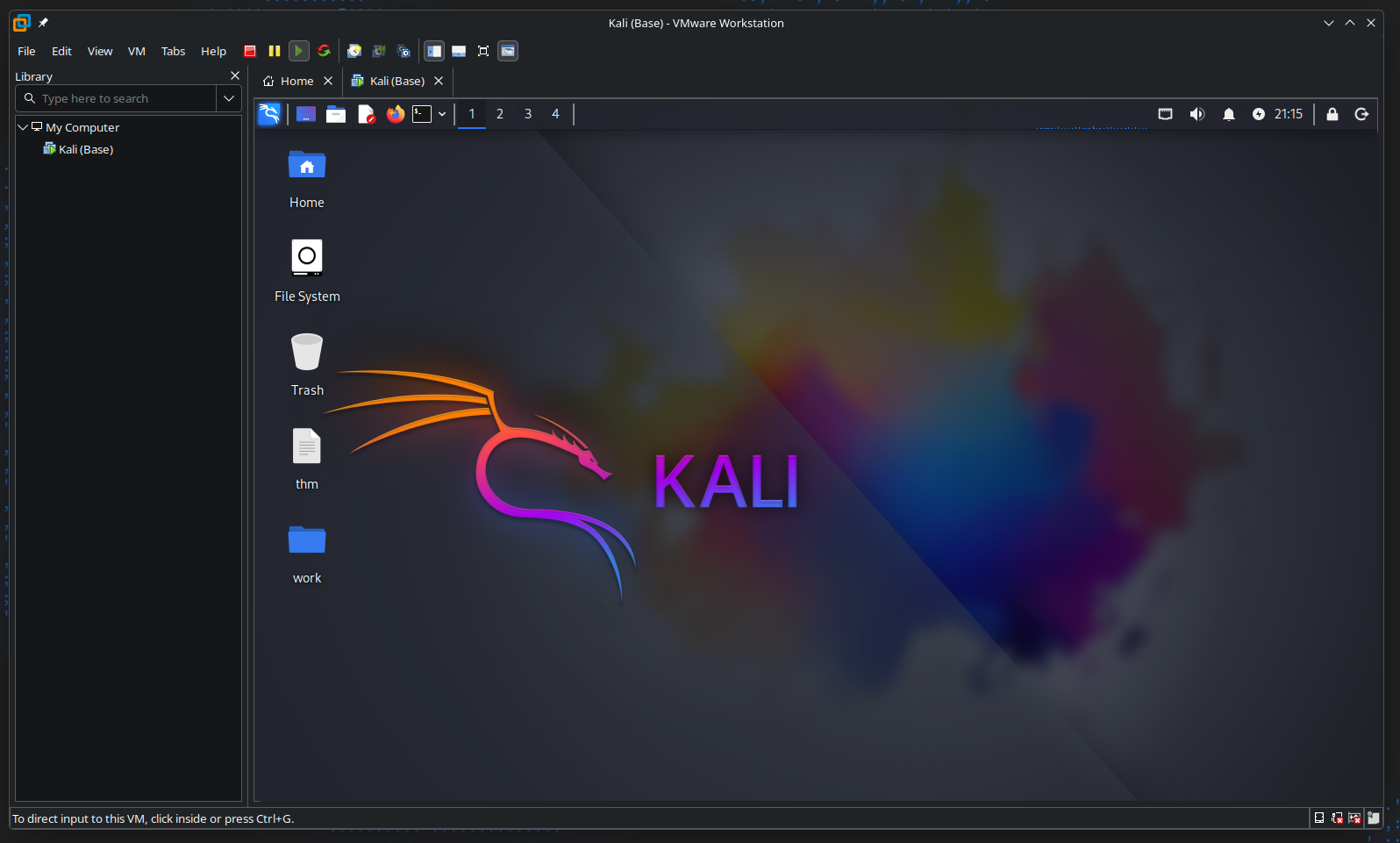
This is a step by step guide to setting up VMWare Workstation in Arch Linux as of February 2026. Usually, you would run into an issue where the window will crash when you press Ctrl+Alt to take the cursor our of a VM window. In this guide, we will see what causes that issue and how it can be fixed.

alt text

My journey self-hosting "Google Photos" for cheap.

· 8 min read
Hirusha Adikari
I do stuff sometimes...

So far, I have been copying all the images to one of my external hard disks from my phone on a weekly basis. I would have already wasted hours doing that. Also, if I accidentally delete an image (also from the Trash), it would be gone forever and I would not be able to back that image up. So, I wanted a one-way photos sync thing that checks and uploads images very regularly. Now that my requirement is clear, I went out to find a solution to this. In this article, I will talk about my journey in coming to the final solution.

Note that this is not a step by step guide for setting up Immich.

alt text

What "Linux Operating System" do you use? (INCOMPLETE)

· 24 min read
Hirusha Adikari
I do stuff sometimes...

This post is to help you learn the basics of (mostly) everything so you can see the full picture. If you have no idea what you're doing or if you're new to Linux, this post is for you. There are a billion different misconceptions, misunderstandings, and incorrect interpretations of concepts related to Linux, and in this post, we'll debunk them. I'm disappointed by the fact that nobody has written something like this before. There are plenty of YouTubers and content creators who post multiple videos a week, but none of them talk about this stuff. Absolutely pathetic! This guide will assume you're a Windows user. If you're a macOS user, you shouldn't have made it to my blog.

Note that I'll only be touching the surface of every key highlight with very brief descriptions to keep things simple. The goal here is to help you see the full picture, not to learn/master everything.

How to Disable Password Policy in the Calamares Installer on Debian Live

· 2 min read
Hirusha Adikari
I do stuff sometimes...

For those who don't find the default Debian installer ("d-i") frustrating, you also have the option to install Debian using the Calamares installer. Additionally, there's a lot to configure post-install. To avoid all of this trouble, you can use the Debian Live installer, which uses Calamares.

By default, Calamares configuration in Debian Live enforces some password policies to prevent users from entering weak passwords. This is a very important feature, but I find it too complicated for virtual machines and testing scenarios. Therefore, in this article, let's see how to disable it and use a simple password.

alt text

Basic Server Hardening Guide

· 13 min read
Hirusha Adikari
I do stuff sometimes...

If you don't like big tech companies prying their eyes on your data, you might want to self host all the services either locally on-premise or on a cloud server (a Virtual Private Server or a Dedicated Server).

When you are doing this, yes, you are safe from the eyes of big tech, and you actually get to have some privacy. HOWEVER, you will be in charge of your own data security. Therefore, hardening your server is essential to keep your data secure from bad actors and sometimes even automated scanners.

In this article, let's see how to do just that. This guide focuses on Debian 12 (not Ubuntu, since it's Canonical's bloat). Let's get started.

Shared home folders!

· 5 min read
Hirusha Adikari
I do stuff sometimes...

Whether you are setting up a computer for yourself or someone else, it's always better to have the user's files on a separate disk (or at least a partition) for easy recovery and management. Doing this also allows directories (like Desktop) to be shared among multiple operating systems if you dual boot.

alt text